
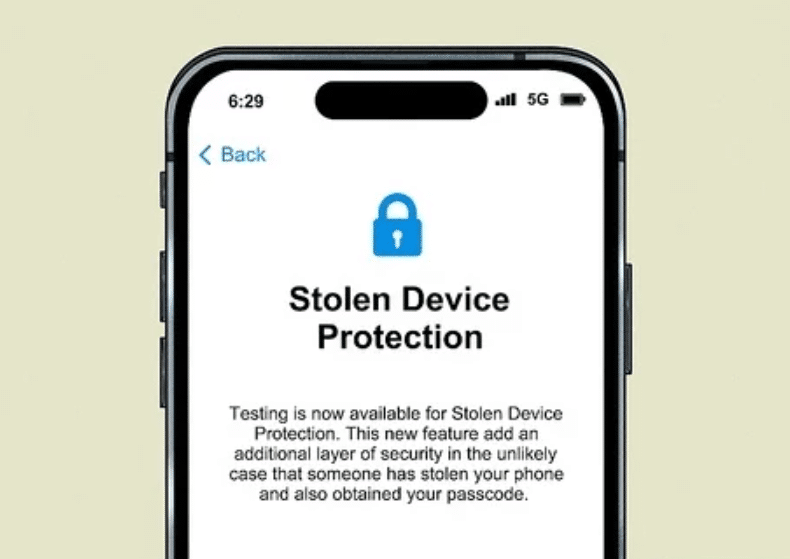
When Apple released iOS 17.3 in January, it included a useful new security feature called Stolen Device Protection aimed at preventing thieves from accessing sensitive data on stolen iPhones. Here’s how it works and why you may want to enable it.
The Problem iOS 17.3 Aims to Solve
In 2023, reports surfaced about a disturbing new technique thieves were using to steal iPhones and access victims’ passwords, banking info, and other personal data. Thieves would surreptitiously watch victims enter their passcode in public, steal the iPhone, and then use the known passcode to access everything.
Stolen Device Protection Safeguards
To combat this, iOS 17.3 introduced Stolen Device Protection, which requires Face ID or Touch ID authentication (no passcode option) to access certain sensitive areas like iCloud Keychain passwords, Lost Mode settings, erase options, and purchases in Safari.
It also adds a one-hour delay on changing the Apple ID password, trusted devices, and other account security settings when not on a trusted home/work network. This prevents immediate Apple ID account takeover.
What Requires Face ID/Touch ID With It Enabled
With Stolen Device Protection on, you’ll need Face ID/Touch ID (no passcode) for actions like:
- Viewing iCloud Keychain passwords/passkeys
- Applying for a new Apple Card
- Turning off Lost Mode
- Erasing all content and settings
- Viewing saved payment methods in Safari
Setting Up Stolen Device Protection
The feature is only available on iPhones running iOS 17 (iPhone XS and newer). Here’s how to enable it:
- Go to Settings > Face ID & Passcode (or Touch ID & Passcode)
- Enter your passcode
- Tap Stolen Device Protection
- Toggle on Stolen Device Protection
- Tap Turn On to confirm
You can disable it again later by toggling off this setting, but you’ll need Face ID/Touch ID to do so.
While no security feature is perfect, Stolen Device Protection adds an important extra layer to protect your iPhone and accounts if it gets stolen. With just a few taps, it’s an easy way to drastically improve your defenses.


